
10/02/2026
What the Beneficiary Gets
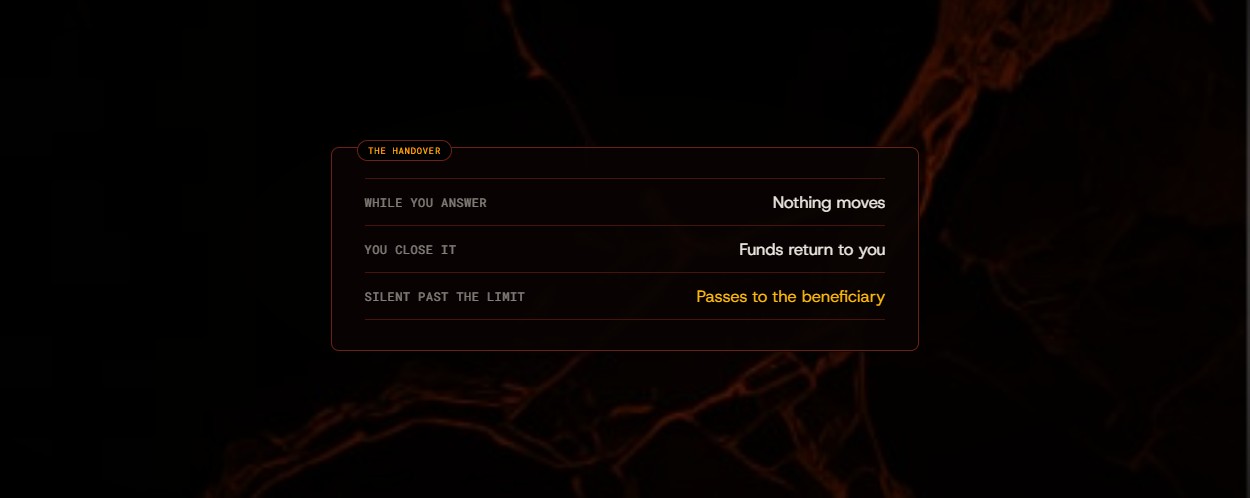
One address per vault, no access while the clock runs, and the whole vault once the limit has passed.
A DMS vault is a dead-man's switch. It holds funds for someone else, and it only lets go of them if you go silent. This guide follows one vault from start to finish.
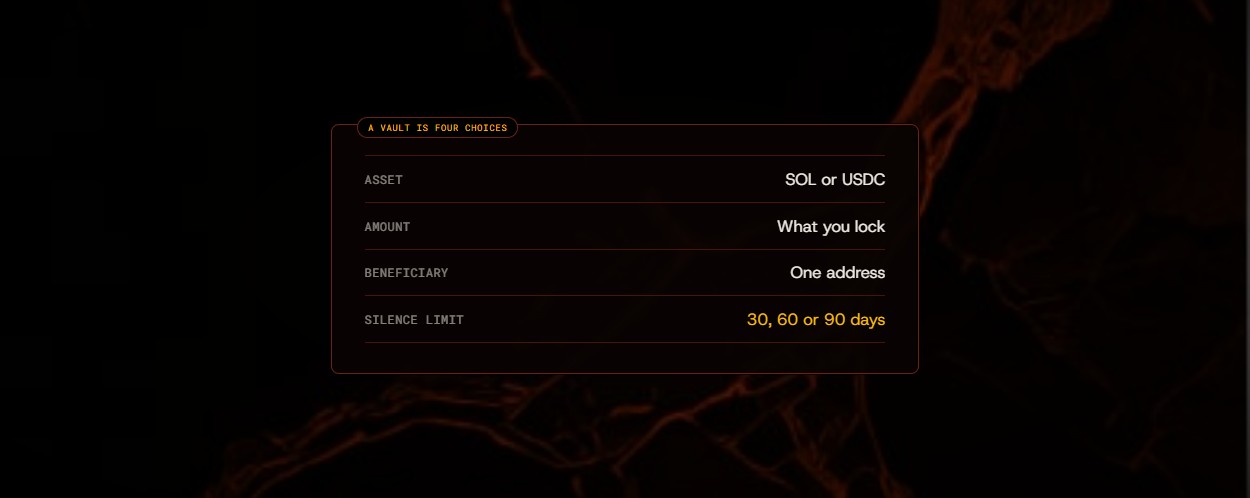
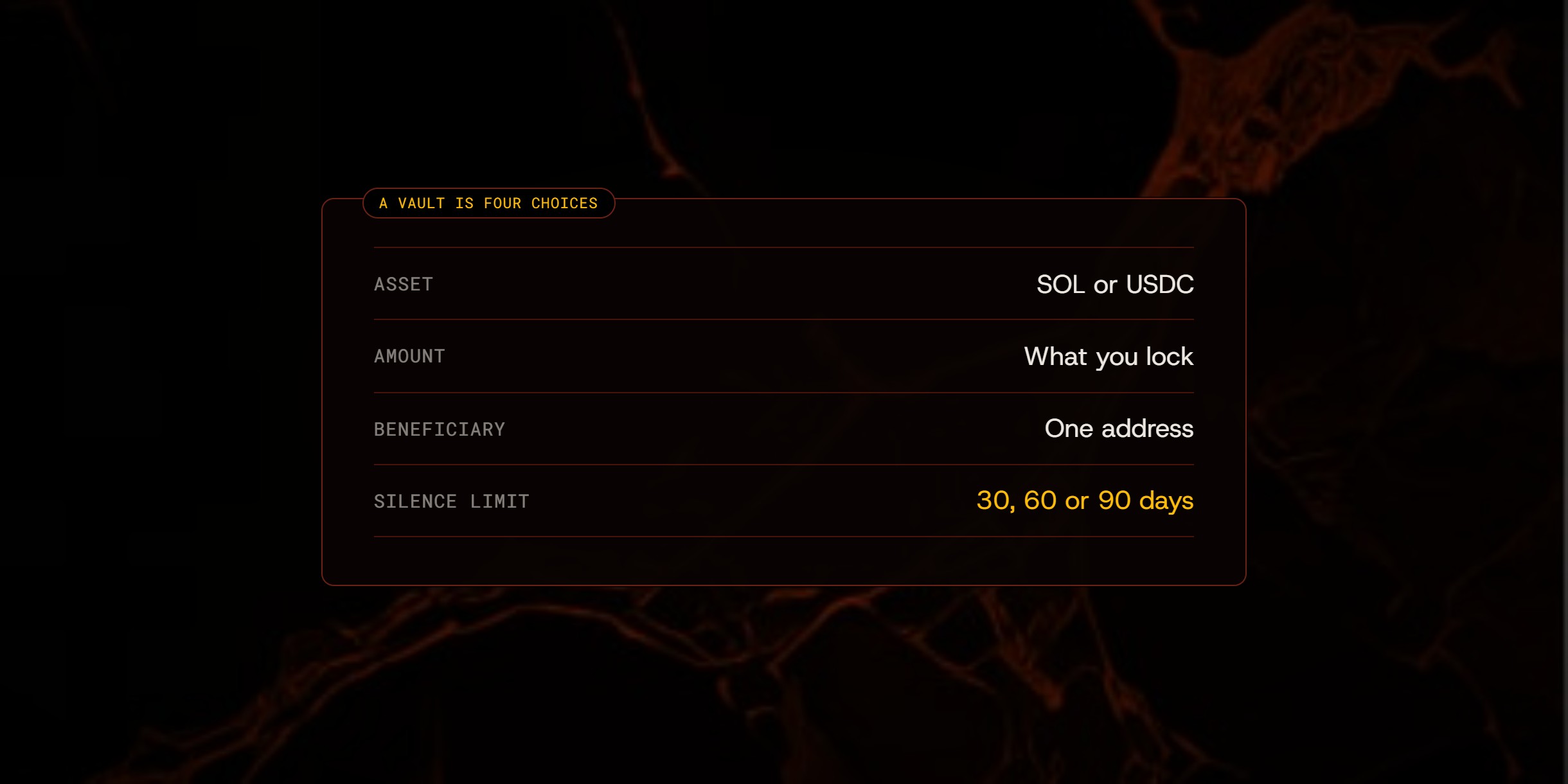
It starts with four choices in the app: the asset, the amount, the beneficiary address and the silence limit. The limit is 30, 60 or 90 days. Locking the vault moves the funds into a vault wallet that DMS's server holds, and starts the clock at the full limit.
“While you keep answering, nothing moves.”

From then on your dot checks in with you in the app, with a message that waits for you there. Answering resets the clock to the full limit. So does the Check in button on the vault. The beneficiary has no access while the clock is running.
You can end it yourself. Closing a vault before the limit returns the funds to you and stops the clock. To change the beneficiary or the limit, close the vault and lock a new one.
If the full limit passes with no answer, the vault passes to the beneficiary. That is the only way a vault reaches them, and after it has happened the vault is theirs.
One address per vault, no access while the clock runs, and the whole vault once the limit has passed.
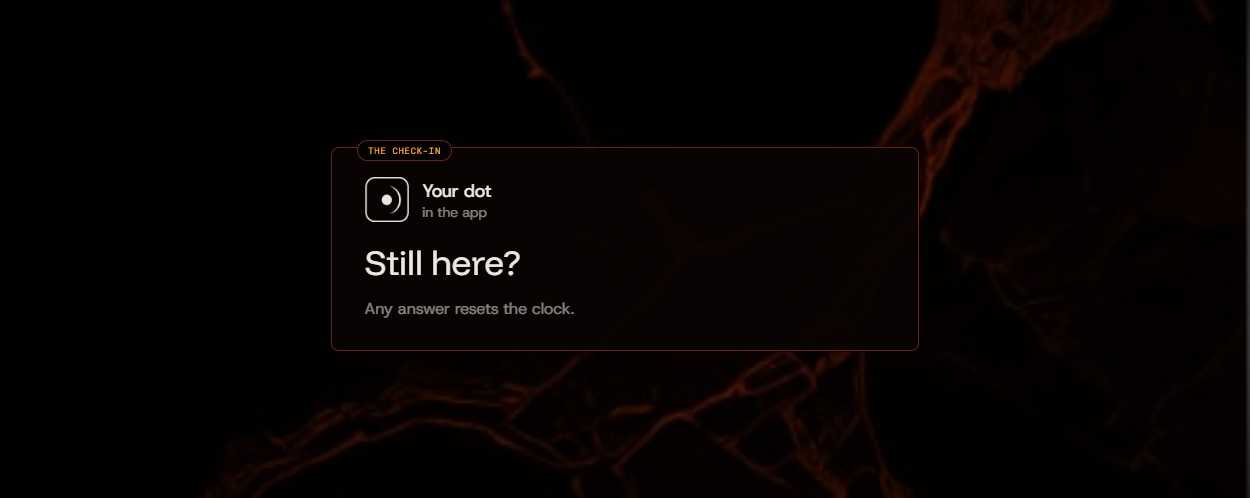
Your dot asks if you are still here. Any answer resets the clock. Here is what an answer is, and what it is not.
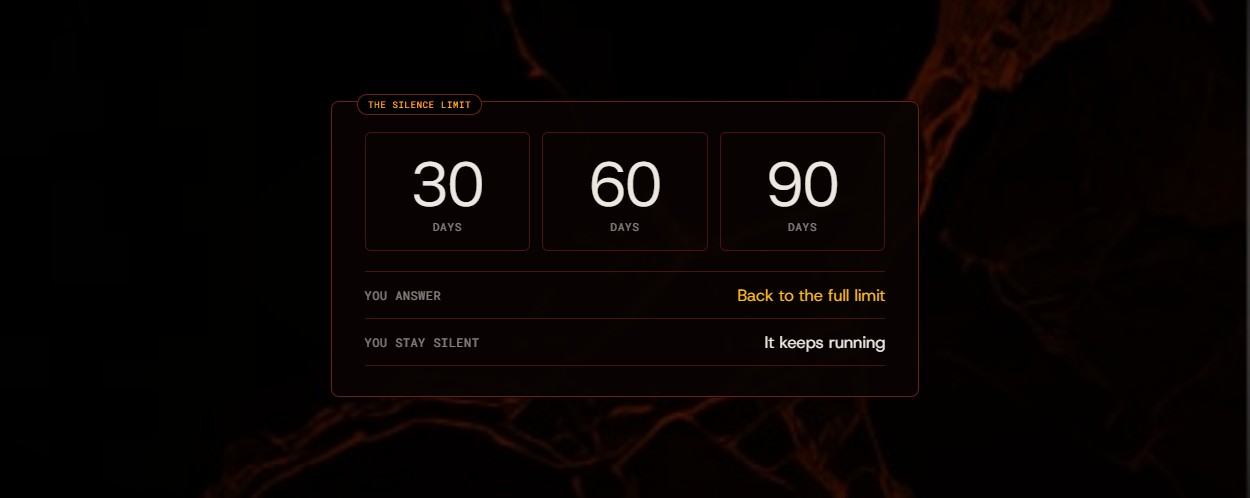
30, 60 or 90 days. How to choose how long a silence has to last before it means something.